
All players need to register for their team(s) on the JCC website as described below.
1.) Before Registering/Paying: Verify with your captain if you are rostered as a core (paying) player or as an alternate (non-paying) member of the team.
2.) Go to the JCC Registration Site
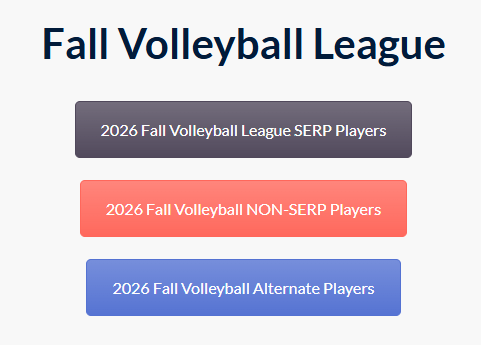
3.) Click the appropriate button
- Gray button if you are Core SERP-eligible player (i.e., Sandia employees and their spouse/dependents) – $45 registration fee
- IMPORTANT: Each SERP player can only use ONE SERP subsidy per season. SERP players registering as core players for multiple teams must register once as a SERP player for their primary team and once as a Non-SERP player for their secondary team.
- Red Button if you are Core Non-SERP Players – $85 registration fee
- Blue Button if you are an Alternate player – $0 fee, but registration is still required so you can complete the JCC waiver
4.) Select your team from the list and then click the “REGISTER” button.
- If you have an existing profile you can sign the waiver. If you do not, you will be prompted to create one. For membership type, choose, “Non-member Leagues” and then click the “START” button at the bottom. After that fill in the required information, including DOB, address, phone number and then click the next button
- To avoid the credit card processing fee, you can make an alternative form of payment at the JCC membership office during their member service hours.
5.) Follow the prompts until your payment is complete. You should receive an email to save for your records.