
18. Pressure Transfer#
It is a common Sierra/SD use case to run an aerodynamics code, and then need to transfer the structural loads from the aerodynamics code to Sierra/SD to solve the structural problem. For this example, we describe how to transfer pressure loads from other analysis tools to Sierra/SD.
Here we begin with a three dimensional finite element mesh, that is the
skin of a “Sierra Test Vehicle,” STV. The STV is composed of Quad4 (2D) elements,
each with a set of element variables, including pressure.
The STV is a blunt, circular paraboloid that is 3 meters long with a 2 meter
diameter.
Figure 18.1 shows the pressure output on the transfer mesh post-surf-mna/surface.e.
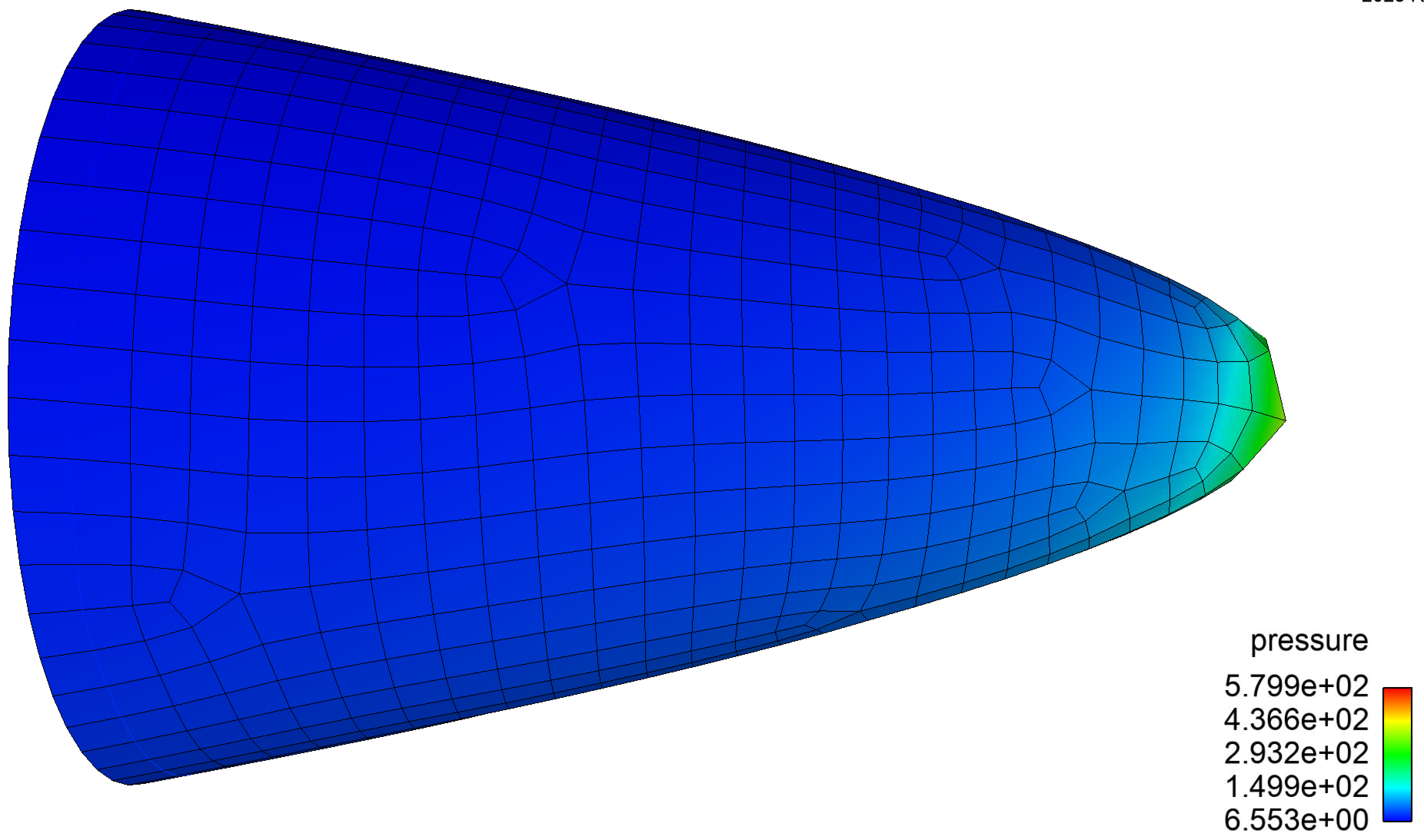
Figure 18.1 Pressures on STV#
Before running Sierra/SD, the user should check and see that the desired variables are in the transfer exodus mesh. This can be done in the following way:
module load sierra
explore post-surf-mna/surface.e <<< names
The output from explore is shown below, and can confirm
that pressure exists in the output file.
The fields other than pressure are not necessary for this example.
Variables Names:
   Global:
   Nodal:
   Element: Ma            density
            pressure      primitives_1
            primitives_2  primitives_2
            primitives_4  primitives_5
            temperature   velocity_x
            velocity_y    velocity_z
            wall-C_p
   Nodeset:
   Sideset:
Next, we look at the Sierra/SD input file.
FILE
  geometry_file 'stv_test_model.g'
END

TRANSFER 'post-surf-mna/surface.e'
  destination sidesets wetted_surf
  copy variable = pressure
  variable type = element
END

FUNCTION read_pressure
  type = exodusread
  sideset = wetted_surf
  exo_var = scalar pressure
  interp = linear
END

LOAD 1
  sideset wetted_surf
  pressure 1.0
  function read_pressure
END
Here we see four distinct sections. As with all Sierra/SD runs, the geometry
file is defined as stv_test_model.g. This is the standard finite
element model with all the geometric complexities of the structural model.
Next, we see the TRANSFER Exodus file,
post-surf-mna/surface.e. This is the transfer mesh, and only
contains the shell of the model (2D Quad4 elements).
The next three lines copy the element variable pressure from the transfer mesh to the sideset wetted_surf on
the structural mesh.
The FUNCTION block defines a function of type
exodusread, which reads the scalar pressure from the sideset
wetted_surf. The syntax interp = linear tells Sierra/SD to
interpolate linearly in time.
Finally, the LOAD block defines a pressure load of magnitude 1 on
the sideset wetted_surf, using the function read_pressure.
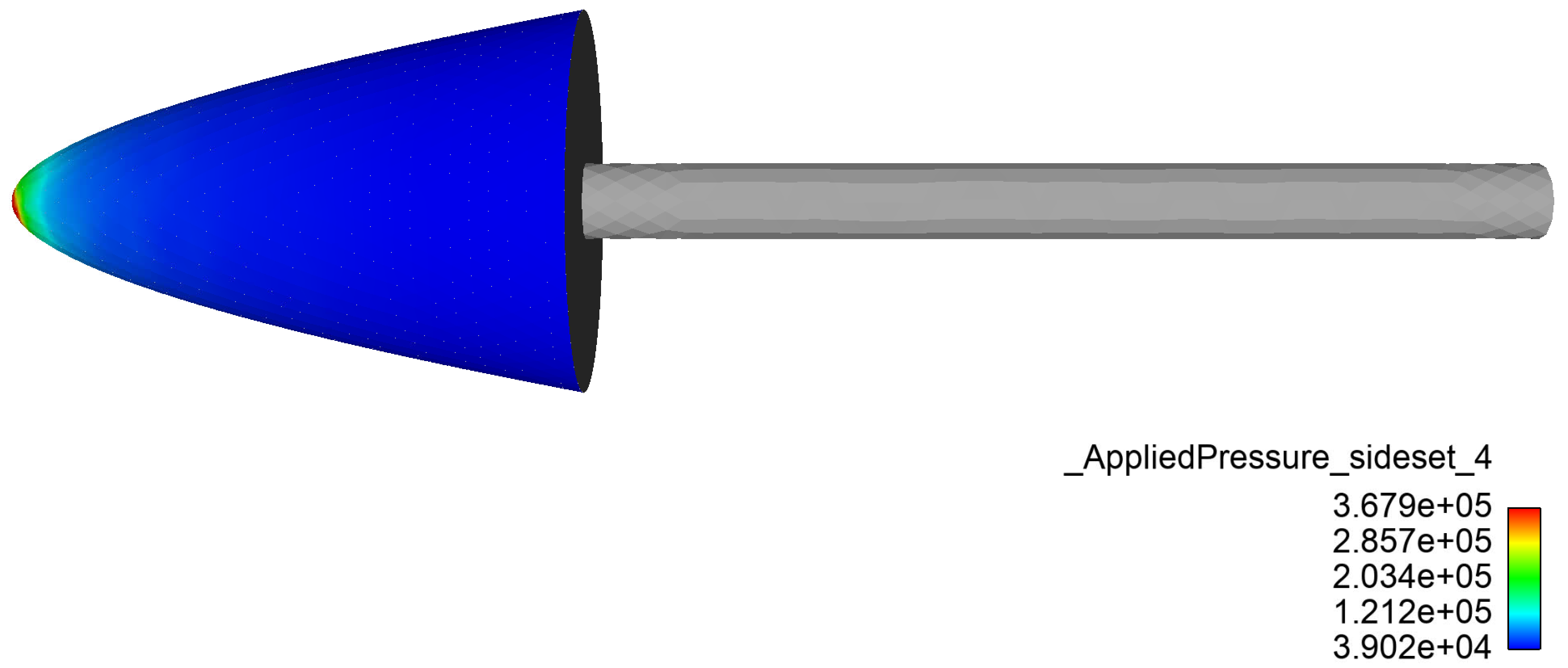
Figure 18.2 Transfered pressure on structural mesh#